
Free PC Troubleshooting Guide
This page provides free, basic troubleshooting steps. If these don’t fix it, we can help.
Quick Jump
Slow Computer / Poor Performance
Most slow PCs are caused by startup programs, low storage, malware, or older hardware (especially HDD drives).
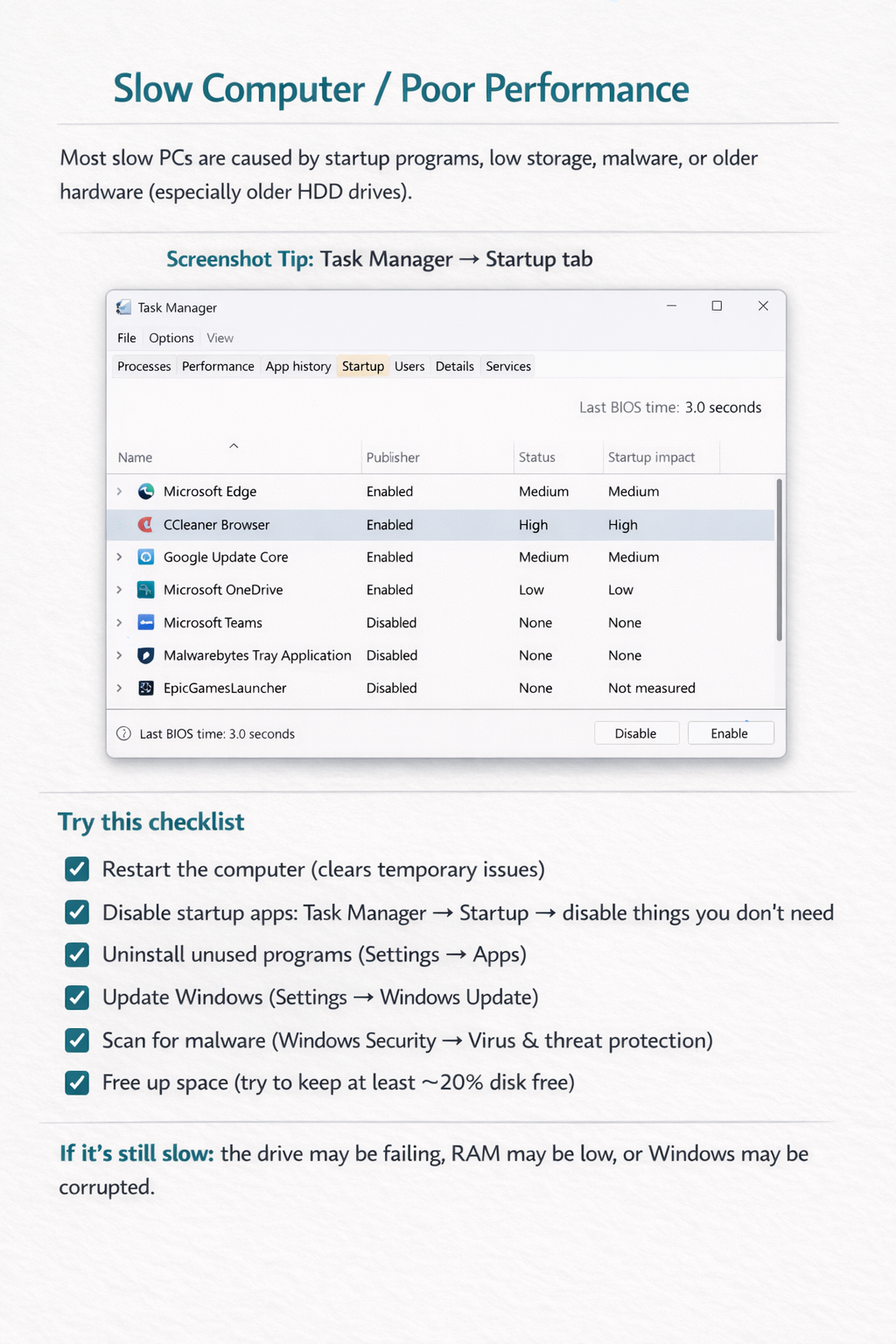
Screenshot: Task Manager → Startup tab
Try this checklist
- Restart the computer
- Disable startup apps: Task Manager → Startup
- Uninstall unused programs (Settings → Apps)
- Update Windows (Settings → Windows Update)
- Scan for malware (Windows Security)
- Free up space (aim for ~20% free)
If it’s still slow: the drive may be failing, RAM may be low, or Windows may be corrupted.
Low Storage / Disk Space Issues
When storage is nearly full, your PC can slow down and Windows updates may fail.
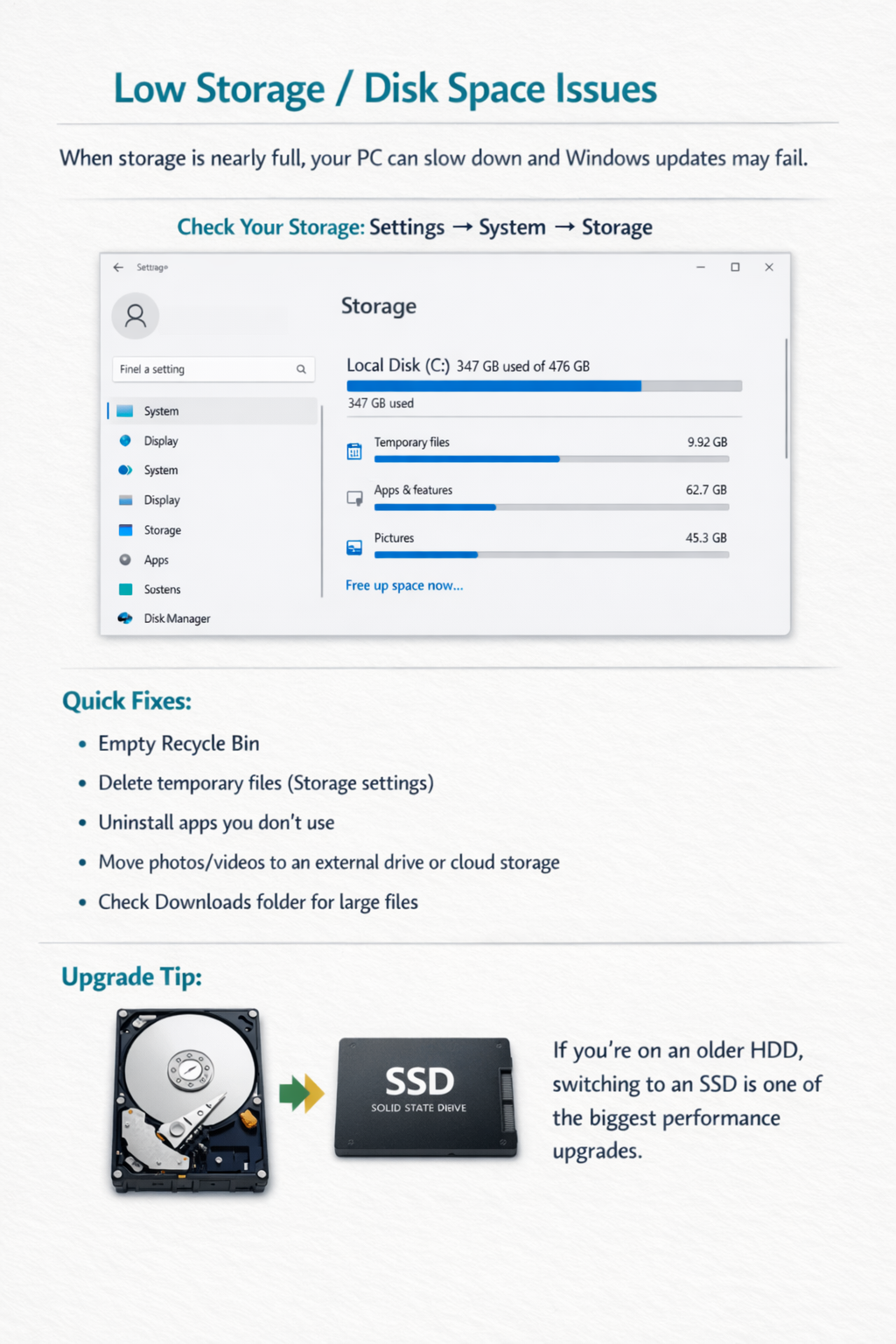
Screenshot: Settings → System → Storage
Quick fixes
- Empty Recycle Bin
- Delete temporary files (Storage settings)
- Uninstall apps you don’t use
- Move photos/videos to external drive or cloud
- Check Downloads for large files
Upgrade tip: If you’re on an older HDD, switching to an SSD is one of the biggest performance upgrades.
Corrupt Windows or Software Errors
Symptoms: crashes, apps not opening, error messages, or updates failing repeatedly.
Steps to try
- Run Windows Update until fully up to date
- Command Prompt (Admin):
sfc /scannow - If needed:
DISM /Online /Cleanup-Image /RestoreHealth - Reinstall the affected software
- Update drivers (graphics + chipset)
Important: If corruption continues, a repair install or reinstall may be needed. Back up important data first.
FAQ
Click a question to expand.
How do I know if my hard drive is failing?
What’s the fastest upgrade to speed up my computer?
Do you charge for this troubleshooting page?
Disclaimer: Prices are starting at and may vary. Clients are responsible for parts/material costs unless stated in writing.